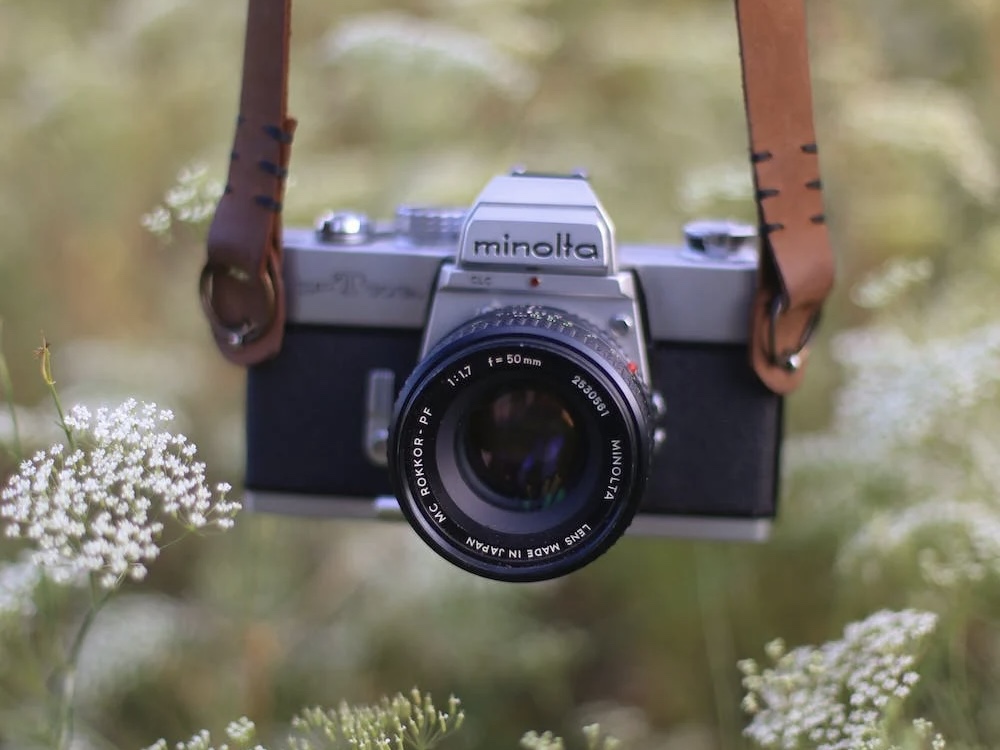
Time-lapse photography is a mesmerizing art form that captures the slow dance of time by stitching together images taken at regular intervals. From blooming flowers to bustling cityscapes, time-lapse reveals the beauty of change. This introduction will walk you through the steps to create your very own time-lapse masterpiece.
1. Equipment Essentials:
- Camera with Manual Mode: This ensures consistent exposures across your shots.
- Sturdy Tripod: Stability is paramount. Any movement can ruin the fluidity of your time-lapse.
- Intervalometer: Some cameras have this built-in. It’s a device that automates picture-taking at specified intervals.
- Neutral Density (ND) Filters: These reduce light intake, allowing for longer exposures in bright conditions.
2. Setting Up:
- Choose Your Subject: What do you want to capture? The setting sun, moving clouds, or the hustle of a town square?
- Frame and Compose: As with any photo, composition is key. Rule of thirds, leading lines, and natural frames can enhance your visuals.
- Manual Settings: Use manual mode to set your ISO, aperture, and shutter speed. A good rule of thumb for smooth transitions is the 180-degree shutter rule: your shutter speed should be double your frame rate (e.g., 1/50s for 24fps).
- Determine Interval: Depending on your subject, decide how often you want to capture a frame. For slow-moving clouds, one frame every 10 seconds might work; for a busy street, one frame every 2 seconds might be better.
3. Shooting:
- Be Patient: Time-lapse photography is a waiting game. Make sure your battery is fully charged, and if possible, bring a spare.
- Protect Your Gear: If you’re outdoors, be prepared for changing weather conditions.
4. Post-Processing:
- Import and Check: Import your images into software like Lightroom or Adobe After Effects. Scan through to check for any inconsistencies in exposure.
- Batch Edit: Apply edits like color correction, sharpness, or clarity. Ensure you sync these settings across all images for consistency.
- Stabilize: If there are minor shakes, some software options offer stabilization tools.
- Compile: Software like Adobe Premiere Pro or Final Cut Pro can be used to string together your images into a video. Set your desired frame rate, usually 24 or 30fps.
5. Export and Share:
- Choose Your Format: .MP4 or .MOV are common video formats with broad compatibility.
- Share with the World: Upload to platforms like YouTube or Vimeo, and share your view of time’s dance.
Time-lapse photography is a blend of technical know-how and artistic vision. While there’s a learning curve, the results are undeniably rewarding. The world is in constant motion; with time-lapse, you have the unique opportunity to showcase this movement in beautiful, condensed moments. Dive in and let the passage of time become your canvas!


 SoVid Tech